You can put a Furiosa sign-up form on your own website, so fans sign up without leaving your site. Every sign-up lands in your audiences, just like one from a Furiosa sign-up page. This guide explains how to get the form, where to paste it and how sign-ups and views are counted.
What you get
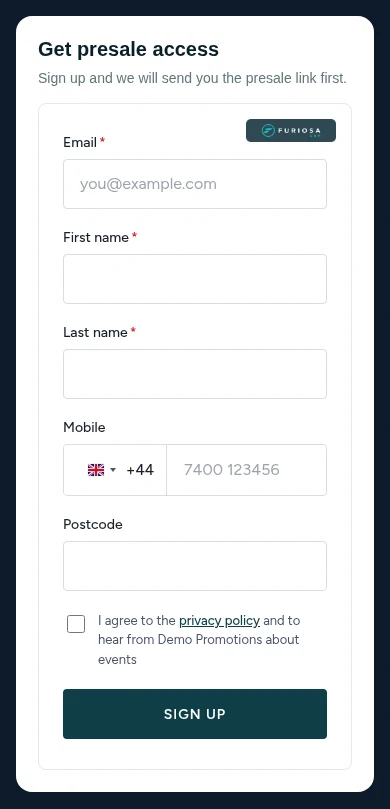
The sign-up form is a small piece of code you paste into your website. It draws a form that matches the fields you chose, and it works on phones and computers.
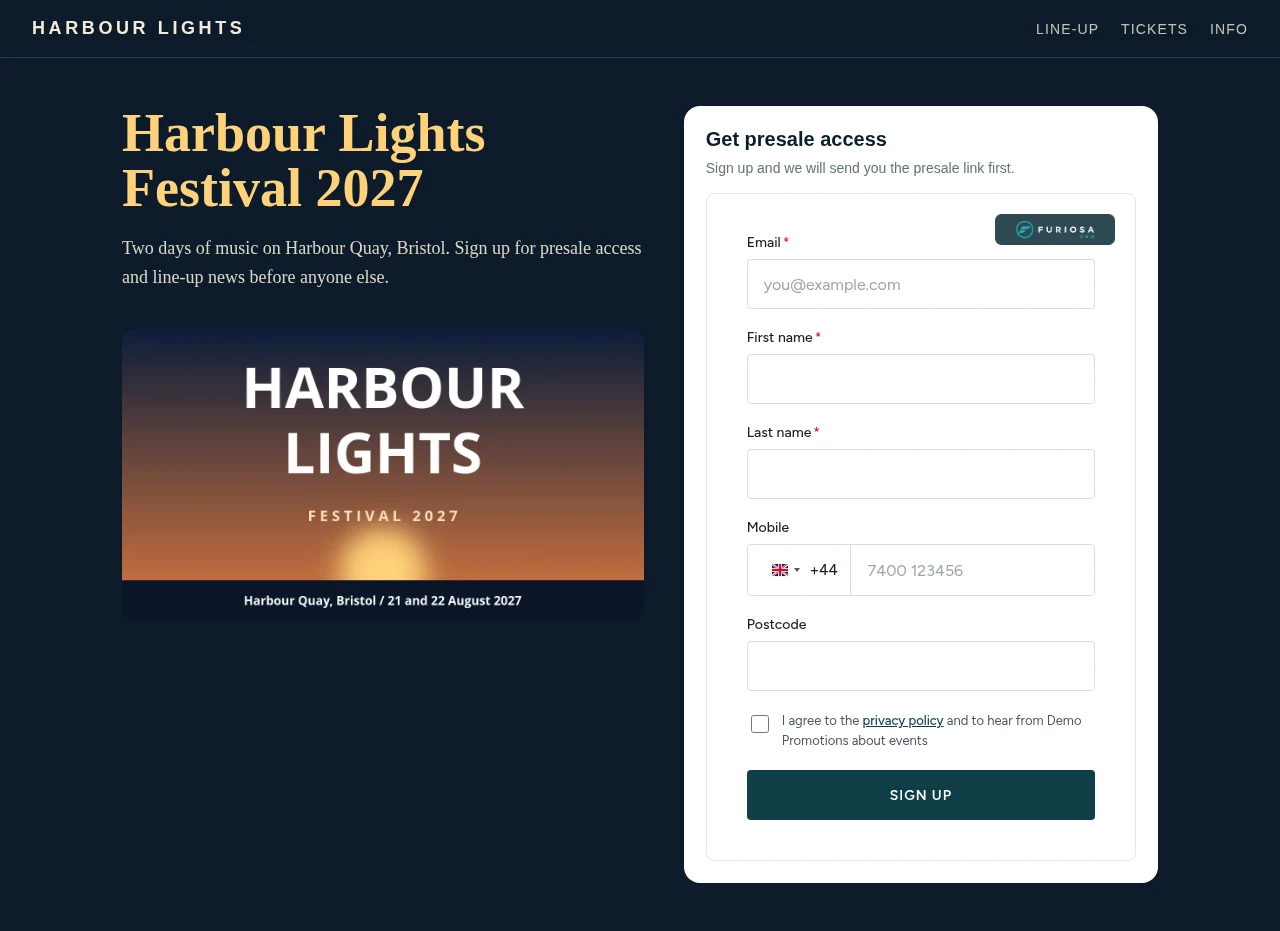
There are two kinds of form:
- Linked to a sign-up page. The form uses that page's fields, button text, privacy link and sign-up rules, including email and text confirmation (double opt-in). It also fires that page's tracking pixels on your site. Sign-ups go into the page's group and show in the page's Sign-ups and Stats tabs.
- Linked to a list or group. A simple form with your company name and privacy link. Sign-ups go straight into the list, and into the group if you picked one. A form for a list can borrow a sign-up page's tracking pixels. A form for a group doesn't carry tracking pixels.
Get your code
The Furiosa team makes the code for you, so the form is set up and tested before it goes on your site.
- Send us a message from the contact form. Tell us which sign-up page, list or group the form should feed, and the website it's going on.
- We set the company name and privacy policy link that show on the form, and the tracking pixels if you want them.
- We send you the code. It looks like this:
<div id="furiosa-page-widget" data-token="your-form-token"></div>
<script src="https://furiosacrm.com/assets/js/widget-page-embed.js"></script>
The token is unique to your form. It's safe to put on a public web page: it only lets people sign up, and it can't read anything from your account.
Paste it on your site
- Open the page on your website where the form should go.
- Add an HTML or "custom code" block in your site builder, or edit the page's HTML.
- Paste both lines of the code where you want the form to appear.
- Save and publish. Open the page and send yourself a test sign-up.
The form fills the width of the space you give it, so it works in a sidebar, a column or full width. On a phone it stacks neatly.
If your site builder removes scripts
Some site builders, such as Easol, remove <script> tags from custom code blocks, so the form never appears. If that happens, tell us. We can host the form as its own small page and give you a short <iframe> code instead, which these builders accept.
Inside an iframe the form can't read the ad-click details from your website's address bar, so ad tracking in the browser is weaker. The CRM still sends each sign-up to your ad platforms from the server.
How sign-ups and views are counted
- Sign-ups count the same as on a Furiosa sign-up page. Duplicates are merged, and anyone on your blacklist is quietly not added.
- Views are counted each time the form loads on your site, so the sign-up rate on the page's Stats tab stays true.
- Your own HTML form: if you build the form yourself and post it to Furiosa, ask us for the view pixel. It's one image tag that counts a view each time your page loads. Without it, we can only count a view when someone signs up.
The form has spam protection built in, so bots filling in the form are turned away.
Tracking on your own website
The form fires the linked page's pixels on your website when someone sees it and when they sign up. The CRM also sends each sign-up to Meta, TikTok and your other platforms from the server, with the same event ID, so nothing is counted twice. To track the rest of your website, see First-party tracking.